

Buying a PC? What should you buy?
By Joel Senior-Watson / Owner @ Poulton PC
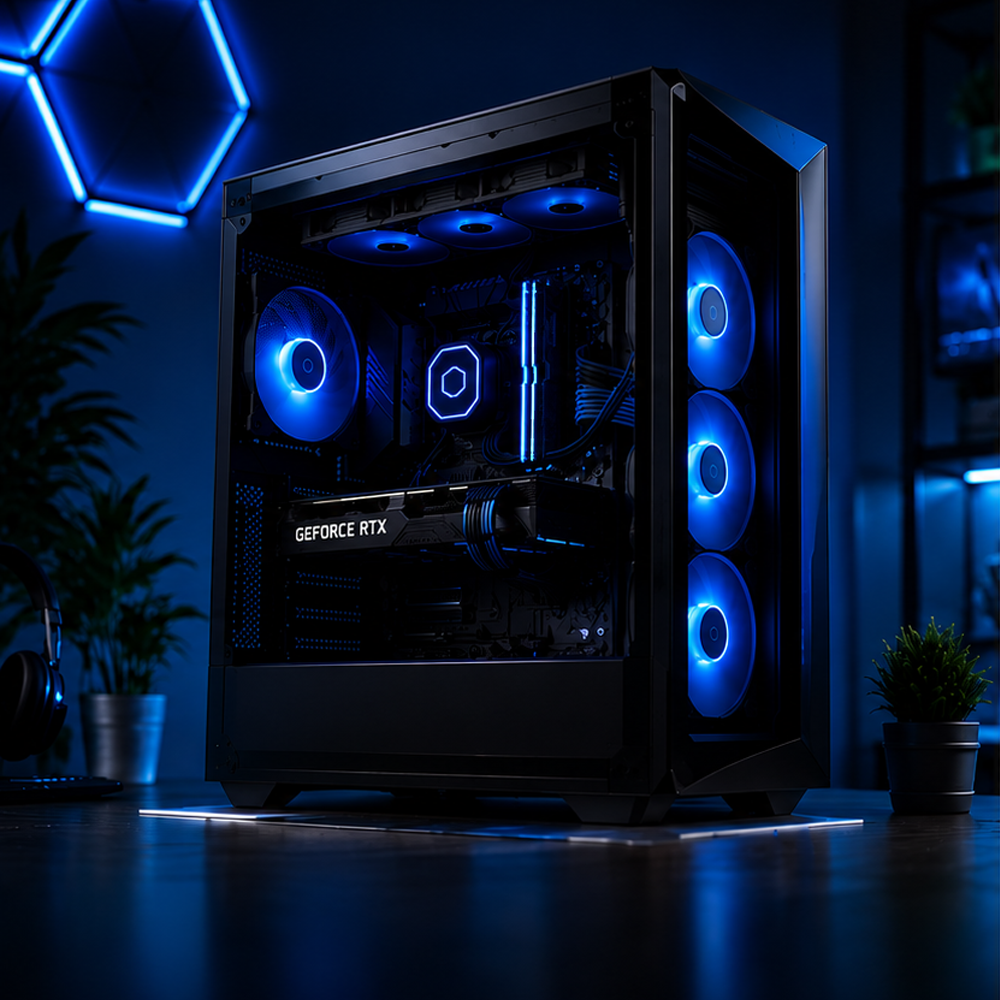
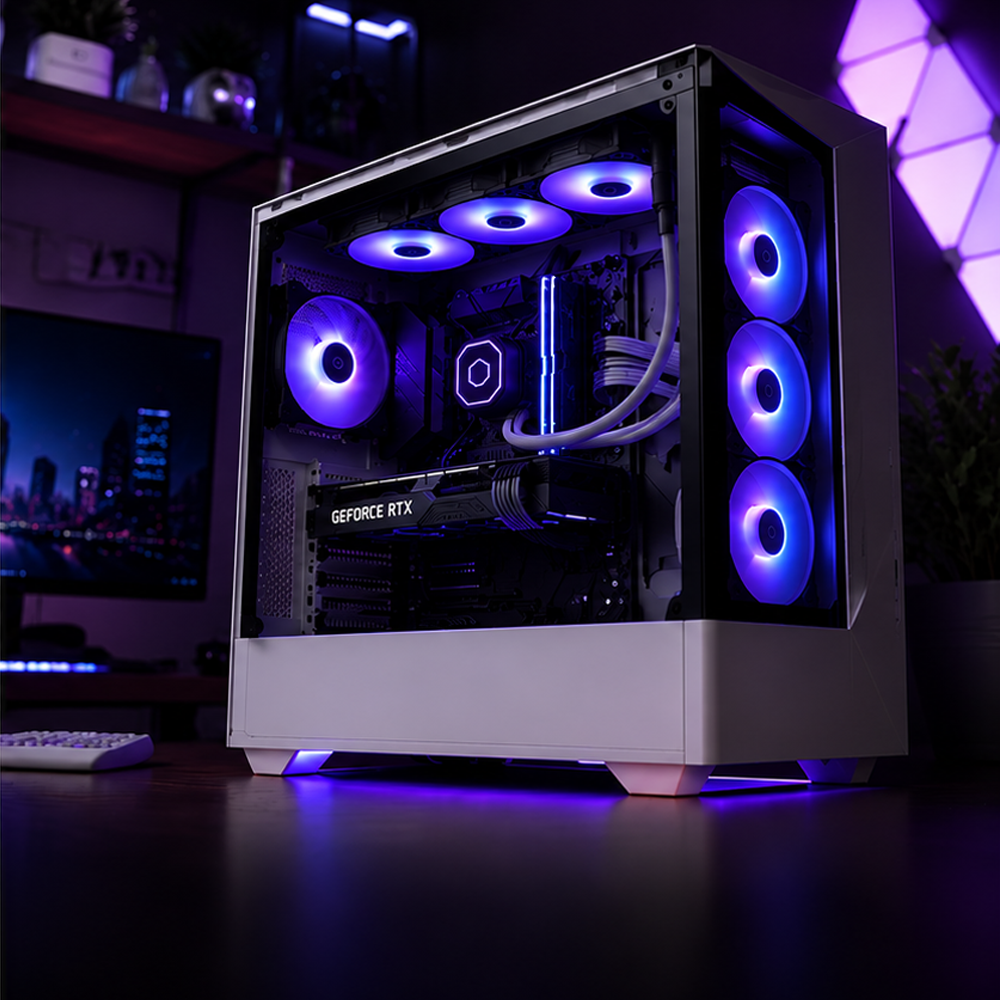
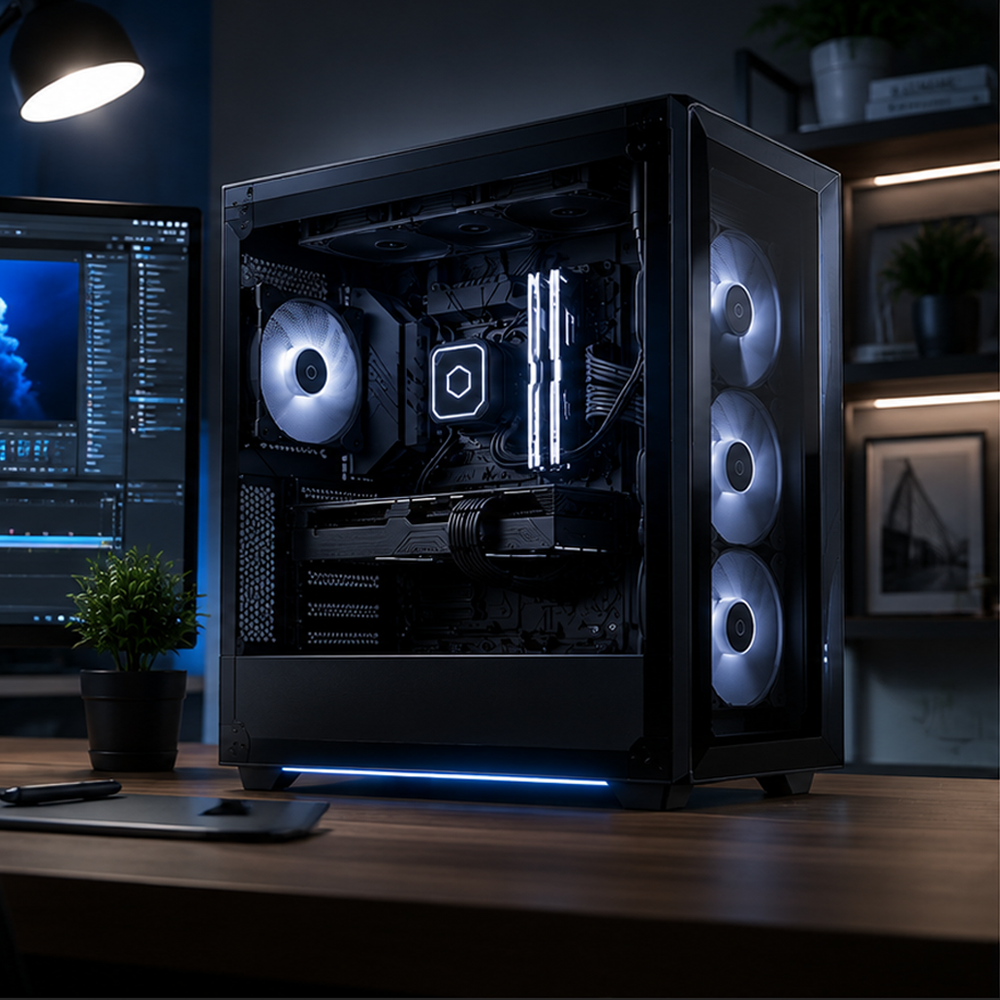
If you’re in the market for a new computer but feeling overwhelmed by specs, jargon, and endless options, you’re not alone. Whether you’re a gamer, content creator, student, small business owner, or just need a reliable machine for everyday use, choosing the right PC can be daunting. At Poulton PC, we make it simple. As a local Lancashire builder, I personally help customers cut through the confusion and get a custom PC that actually meets their needs — without paying for things they don’t want. This guide will help you understand what really matters when buying a computer, so you can make a confident decision.
When buying a computer, the first and most important question is simple: What will you actually use it for?
The answer shapes everything else. You might want a solid machine for casual gaming, or something much more powerful for serious gaming, streaming, video editing, or 3D work.
At Poulton PC, I build all types of systems right here in Lancashire. Whether you need:
A Gaming PC that delivers high frame rates and stunning visuals
A Streaming PC that can handle multiple programs smoothly
An Editing PC built for demanding software like Adobe Premiere or Blender
Or a Home PC to browse your emails and the internet
I can help you get exactly what you need without paying for things you don’t.
When I was studying, a reliable laptop was a lifesaver for working on projects both on campus and at home. Portability matters.
If you’re looking for the best place to buy a gaming PC in the UK, check out our full range of prebuilt systems and fully custom options, designed for every type of user.
Buying a pc? what to consider before you start:
What to look for when buying a gaming PC
A PC is only as good as the sum of its parts. Here’s what you need to know about the core components when buying a new computer.
CPU
Think of the CPU as the brain of your PC. It’s the component that decides how fast your computer can run programs, multitask, and handle demanding tasks.
Don’t confuse it with the GPU — the GPU is mainly responsible for graphics and visuals.
The price of a CPU scales with its performance. The better the chip, the more it costs. Different CPUs also excel at different things — some are built for gaming, others for heavy workloads, and some are great all-rounders.
Here’s a simple breakdown:
Top-tier Gaming — These are some of the fastest CPUs available. Perfect for high-end gaming and content creation. Intel Core i9 or AMD Ryzen 9
Mid-Range — The sweet spot for most gamers. Excellent performance for the price. Intel Core i5 or AMD Ryzen 5
Casual Users — Great for everyday use, light gaming, and general tasks. Still very capable. Intel Core i3 or AMD Ryzen 3
If you want help choosing the right CPU for your needs, feel free to get in touch — I’m happy to recommend the best option for your budget and usage.
motherboard
When choosing a motherboard, think about future-proofing. A good motherboard gives you room to upgrade your PC over time without having to change everything.
The motherboard must be compatible with your CPU (socket type), RAM, and case size. Higher-end boards usually offer better power delivery, more connectivity, and support for newer technology. Budget boards cover the basics well but may limit overclocking or future upgrades.
Here’s a simple breakdown:
Budget Boards — Basic chipsets with fewer ports. Great for simple, cost-effective builds.
Premium Boards — Support for PCIe Gen 5, Wi-Fi 6E, more RAM slots, and better power delivery. Ideal if you want to upgrade later.
If you’re not sure which motherboard is right for your build, feel free to get in touch — I’m happy to recommend the best option for your needs and budget.
cooling
Keeping your PC cool is one of the most important things you can do to extend its lifespan and prevent problems down the line.
Good cooling stops your components from overheating, reduces fan noise, and keeps everything running smoothly. There are several options available, and we’ll walk you through them from the most basic to the most advanced.
Stock Cooler — Comes with the CPU and is fine for basic, everyday use. We only recommend this for light office work or very casual gaming — it struggles under heavy loads.
Tower Air Cooler — A big heatsink with fans that pulls heat away from the CPU. A big step up from stock cooling and great value for most gamers.
AIO Liquid Cooler — The modern standard. A pump circulates liquid through a block on the CPU, then a radiator disperses the heat. Excellent performance and looks great with RGB.
Custom Water Cooling — The ultimate high-end option. Uses a full custom loop with reservoirs, pumps, and radiators. Offers the best cooling performance and stunning looks, but requires more maintenance and knowledge.
If you’re not sure which cooling solution is right for your build, feel free to get in touch — I’m happy to recommend the best option for your needs and budget.
RAM
The faster your RAM, the quicker it can process requests from the CPU and read/write data. However, faster RAM isn’t always better — everything comes down to compatibility.
Always check your CPU and motherboard specifications to see what speeds are supported. Running RAM faster than your system is rated for can cause instability and crashes.
How Much RAM Do You Actually Need?
8GB — Fine for everyday browsing, documents, and very light use.
16GB — The minimum most people should consider today.
32GB — The sweet spot for gaming and most modern tasks.
64GB+ — Ideal for video editing, 3D rendering, streaming, and heavy multitasking.
If you’re not sure how much RAM you need for your setup, feel free to get in touch — I’m happy to recommend the best option for your usage and budget.
gpu
The GPU (Graphics Processing Unit) is one of the most important components in your PC, especially if you game, stream, or work with video editing and 3D rendering.
In simple terms, the better your GPU, the smoother and more detailed your games and visuals will be.
There are two main brands to consider: NVIDIA GeForce RTX and AMD Radeon. Many modern games now support Ray Tracing — a technology that simulates real-world lighting for much more realistic graphics.
Current strong options include:
NVIDIA GeForce RTX 50 Series — Excellent for high-end gaming and ray tracing.
AMD Radeon RX 7000 Series — Great performance and value, especially at higher resolutions.
If you’re not sure which GPU is right for your needs and budget, feel free to get in touch — I’m happy to recommend the best option for you.
psu (Power supply)
The PSU is the heart of your PC — it supplies power to every component. Choosing the right one is crucial for stability and longevity.
Efficiency Rating
The rating (e.g. 80+ Bronze, Gold, Platinum) shows how efficient the PSU is. Higher-rated PSUs waste less electricity, run cooler, and are generally more reliable. We recommend at least an 80+ Gold rated PSU for most builds.
Wattage
Wattage tells you how much power the PSU can deliver. While a higher-watt PSU isn’t automatically better, you should choose one with enough headroom for your components.
We always recommend selecting a PSU with higher wattage than your system needs for two main reasons:
PSUs are most efficient when running at 50–75% load.
It gives you room to upgrade components later without replacing the PSU.
If you’re not sure what wattage or rating is right for your build, feel free to get in touch — I’m happy to recommend the best option for your system and budget.
case
Once you’ve decided on the major components, it’s time to pick a case. The case not only protects your parts but also affects cooling, noise levels, and how easy the PC is to build and upgrade.
There are four main sizes:
Small Form Factor (SFF) — Compact and space-saving, often similar in size to a games console. Great for casual gaming, office work, or minimal setups. However, the tight space can lead to higher temperatures during heavy use.
Mid Tower — The most popular choice for most users. Offers a good balance of size, cooling, and ease of building. Suitable for almost any build from mid-range gaming to high-end systems.
Full Tower — Larger and more spacious. Ideal for high-end builds with multiple GPUs, lots of storage, or extensive custom water cooling. Excellent airflow and future-proofing.
Super Tower — The biggest option. Designed for extreme builds with maximum components and cooling. Overkill for most people but perfect for enthusiasts.
I usually recommend a Mid Tower for most customers as it gives you plenty of room without being too large.
storage
Choosing the right storage is important for speed, capacity, and reliability. Here’s a simple breakdown of the main types:
HDD (Hard Disk Drive)
HDDs are still a great choice for mass storage. They offer excellent value for money — you can get much more capacity (2TB, 4TB, or more) for the same price as a smaller SSD. They’re ideal for storing large game libraries, movies, music, and backups. If you need lots of space without spending a fortune, an HDD is a smart option.
SSD (Solid State Drive)
SSDs are a big step up from HDDs. They’re faster, more reliable, quieter, and last longer. If you want quick load times in games, faster file transfers, or a smoother overall experience, an SSD is the way to go. They’re especially good for your main drive (where Windows and programs are installed).
NVMe (M.2 SSD)
NVMe drives are the fastest storage currently available. They offer extremely quick boot times and file transfers. They’re excellent as a boot drive to make your PC feel snappy. However, they’re more expensive, so we usually recommend using one for your operating system and main programs, then pairing it with a larger SSD or HDD for extra storage.
If you’re not sure which storage solution is right for your build and budget, feel free to get in touch — I’m happy to recommend the best combination for you.
We also have a guide: SSD vs HDD for Gaming
extras & peripherals
Once the main components are chosen, it’s time to think about the extras that make your PC look great and feel even better to use.
RGB Lighting — Adding RGB brings your build to life. From fans and RAM to GPU backplates and strips, you can create stunning lighting effects that match your setup. Modern RGB is fully customisable with a single click.
Braided Cables & Extensions — Swapping to braided cables instantly makes your build look cleaner and more professional. They improve airflow, reduce clutter, and are much more durable than standard cables. You can even get RGB versions for extra flair.
Peripherals — A great PC deserves great accessories. Focus on a good monitor, mechanical keyboard, gaming mouse, and comfortable headset. These make a big difference to your daily experience.
At Poulton PC, I can help you choose the right RGB, cables, and peripherals to complete your build — whether you want subtle and clean or full-on showpiece.
If you’re not sure what to pick, feel free to get in touch — I’m happy to recommend options that suit your style and budget.
We also have a guide: Gaming Setup Essentials
building a custom pc
If you want complete control over every part of your PC, visit Build-Your-Own and book a 30-minute consultation with one of our experts and we will help you create the perfect PC tailored to your budget and need — down to the last detail — and YOU can even add your own custom decals on the case.
Need help deciding? Our team is always happy to assist.
You can email us at info@poultonpcs.com
Or you can call us on 01253 224676