

HDMI vs DP for Gaming: What’s Best?
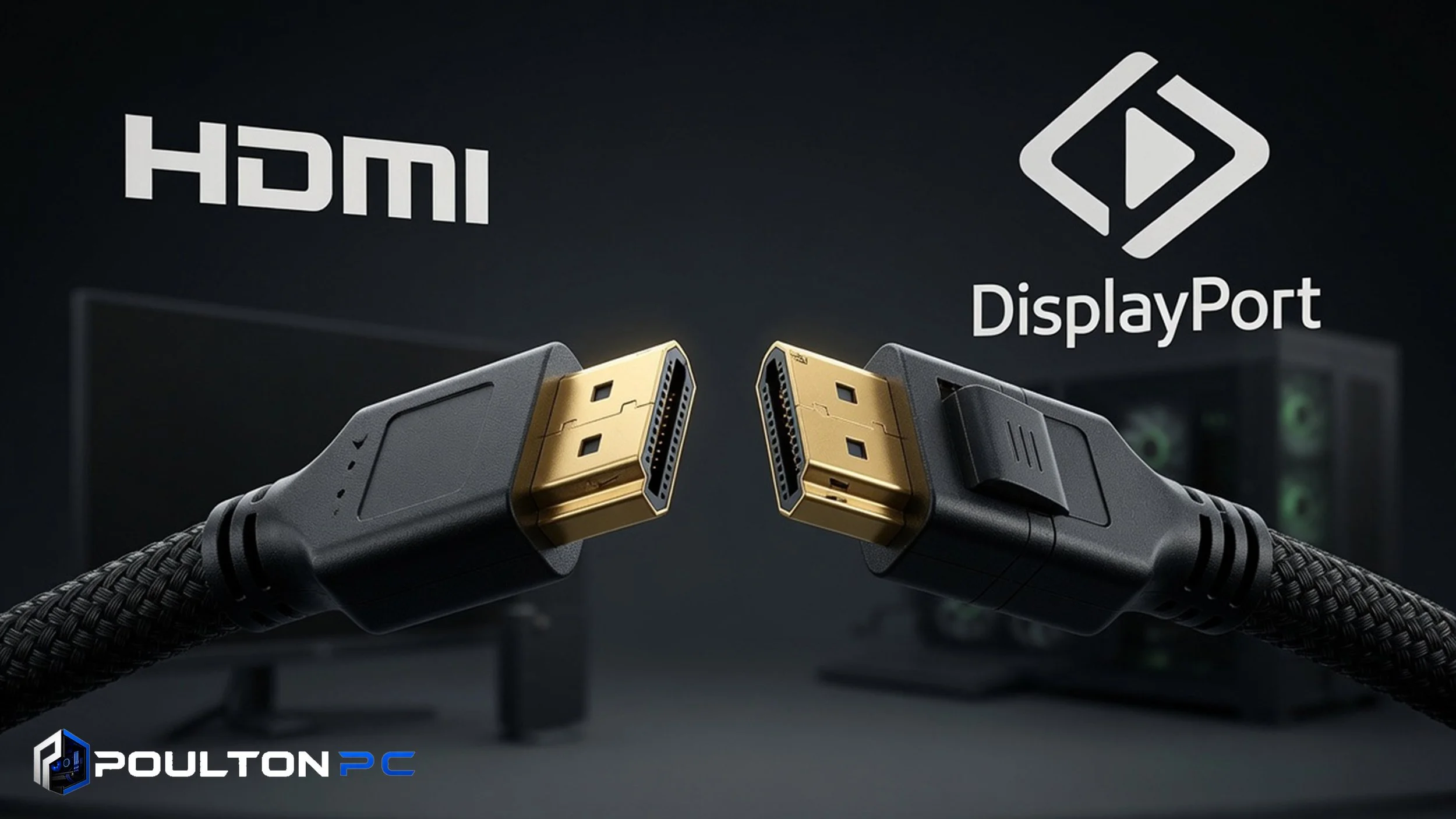
When setting up a gaming PC, one of the most common questions is whether to use HDMI or DisplayPort. The cable you choose can affect your resolution, refresh rate, and overall experience.
Here’s a clear breakdown to help you decide.
Key Differences
HDMI — Widely used and found on almost every TV and monitor. Modern HDMI 2.1 supports high resolutions and refresh rates, but it can sometimes have limitations with certain features.
DisplayPort — Designed specifically for PC monitors. It generally offers higher bandwidth and better support for high refresh rates and adaptive sync technologies.
Comparison Table
| FEATURE | HDMI 2.1 | DISPLAYPORT 1.4/2.0 | WINNER |
|---|---|---|---|
| Max Resolution | 4K @ 120Hz / 8K @ 60Hz | 4K @ 144Hz+ / 8K @ 60Hz | DisplayPort |
| Refresh Rate Support | Excellent | Excellent | Tie |
| Adaptive Sync | Good | Excellent | DisplayPort |
| Audio Support | Excellent | Good | HDMI |
| Cable Length | Good | Slightly limited | HDMI |
Our Recommendation
For most gaming monitors — Use DisplayPort if available. It usually gives you the best performance and features.
For TVs or when connecting to multiple devices — HDMI is often more convenient.
At Poulton PC, I can help you choose the right cables and settings when building your system.
Need help with your setup? Contact Us and I’ll make sure your PC is connected properly for the best experience.
